













Turn long videos into shorts (with AI)
Or edit manually, with specific AI auto-editing features
Also instant: going international, with auto translations
Create images+videos with AI, without even needing to show your face
customizable AI avatars
Here's the thing:
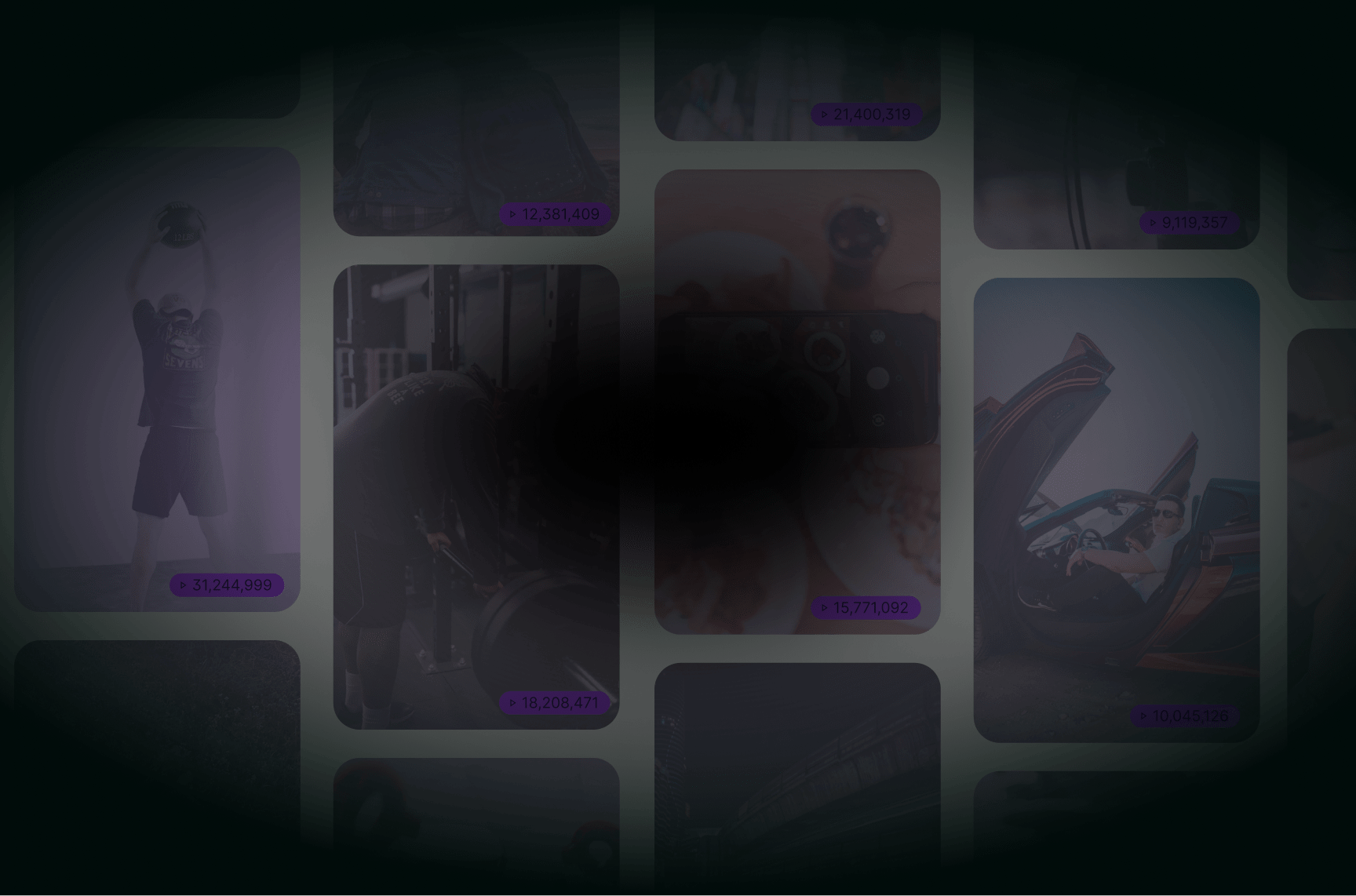
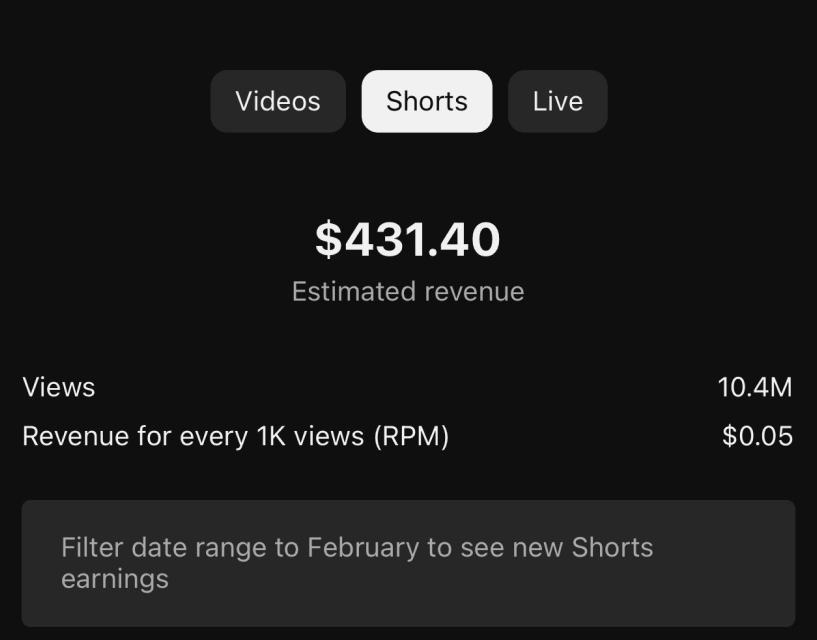
these creators are making shorts with AI




(gameplay filler video)
(satisfying filler video)
but that requires an investment..."
It used to take either effort, or cost a salary to have shorts like these made






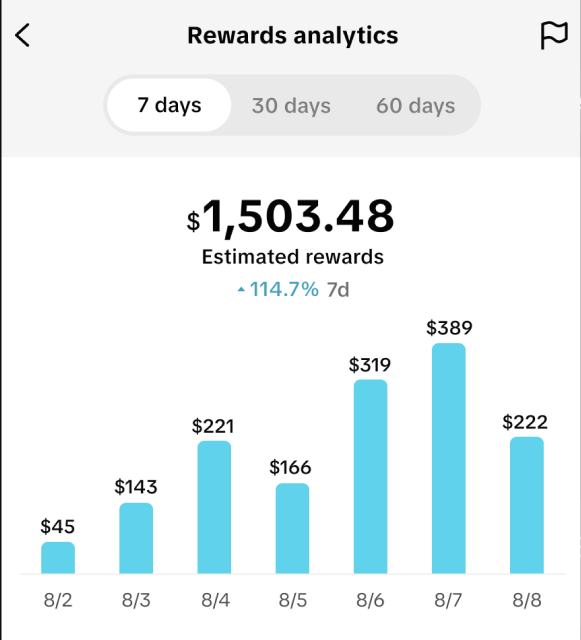
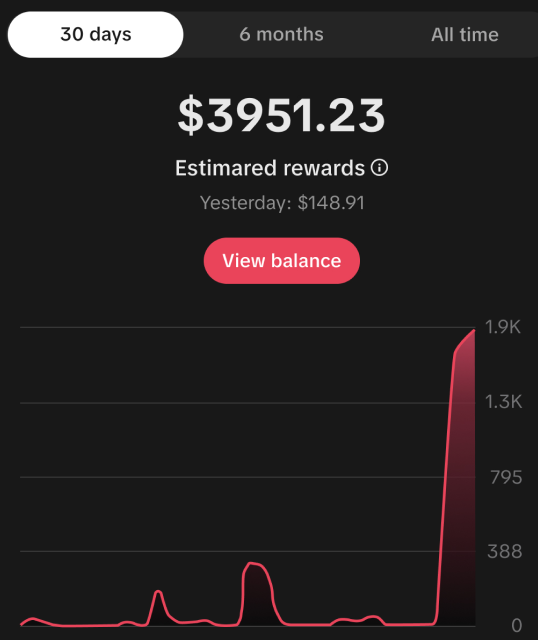
Imagine what you could do if you
had a Video Editor working
Tools to help you
Go viral in no time.


Clip Shorts from Long Videos

Auto Generate Shorts

Create Faceless Video AI

Auto-Generated Captions and Subtitles
Translate Subtitles with AI

Automated Series Creation
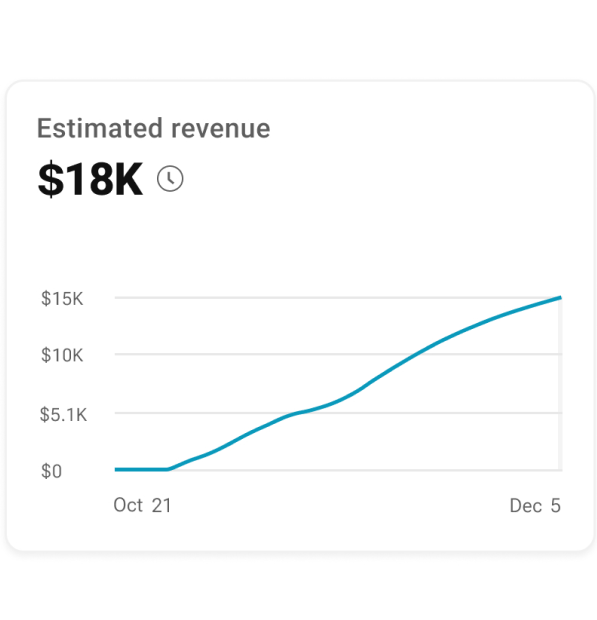
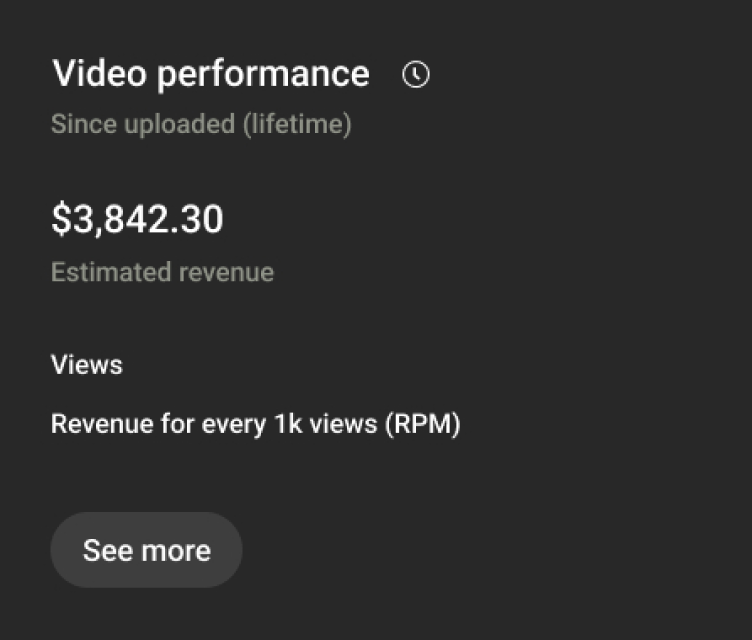


And a lot more...
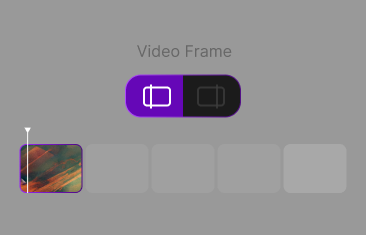
Add Thumbnail
Create eye-catching custom thumbnails by simply changing the first or last frame of your video. Tailor the image to attract more views and make your content stand out across platforms like YouTube and TikTok.
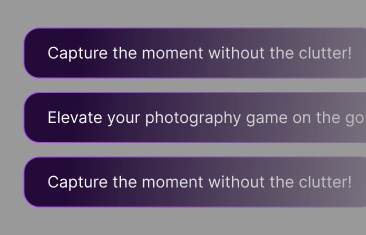
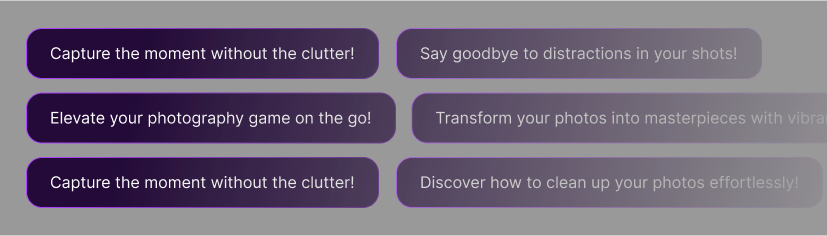
Add (AI) Hook
Capture attention instantly with AI-generated hooks! Automatically create compelling opening lines or visuals that grab your viewers' interest, ensuring they stay engaged from the very first second. Perfect for increasing watch time and engagement.
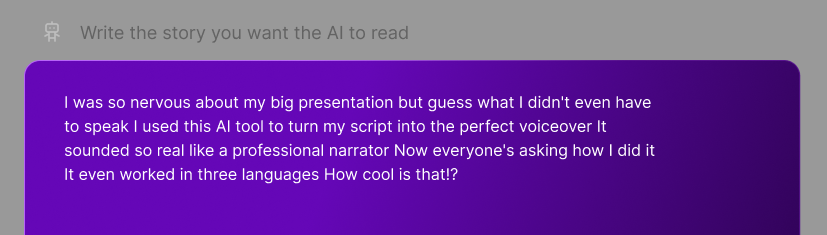
AI Reads Text
Transform written content into natural-sounding speech with AI-powered text-to-speech. Perfect for voiceovers, narrations, or making your content more accessible by reading text aloud in multiple languages and styles.
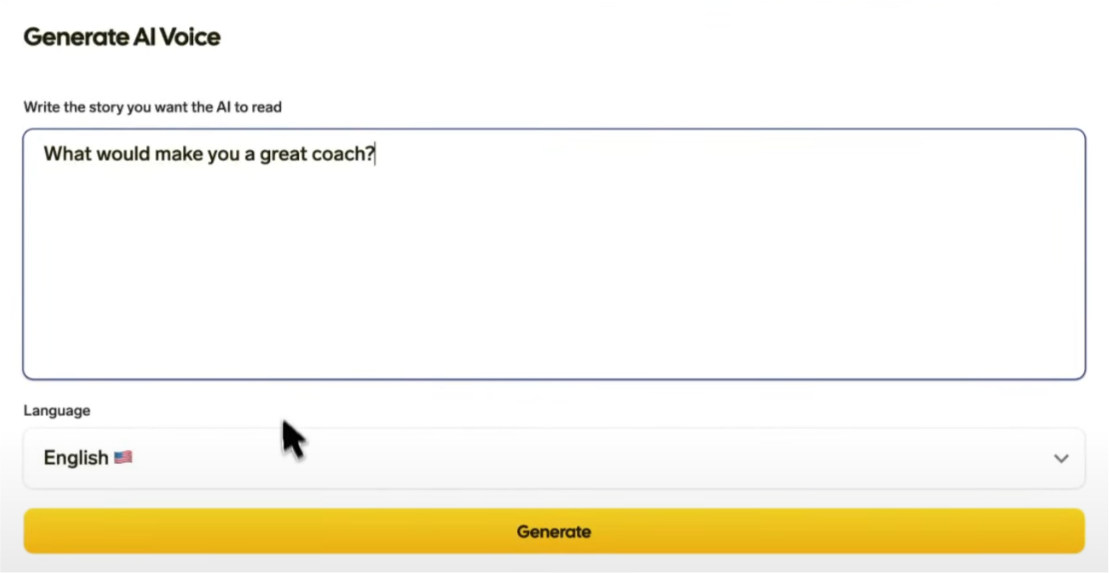
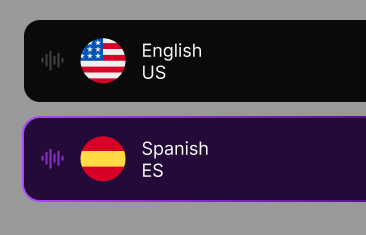
Generate AI Voice
Easily create realistic AI-generated voiceovers for your videos. Choose from a variety of voices and languages to bring your content to life, all without needing a microphone or recording equipment.
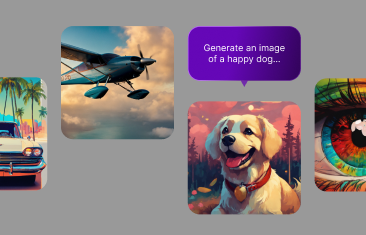
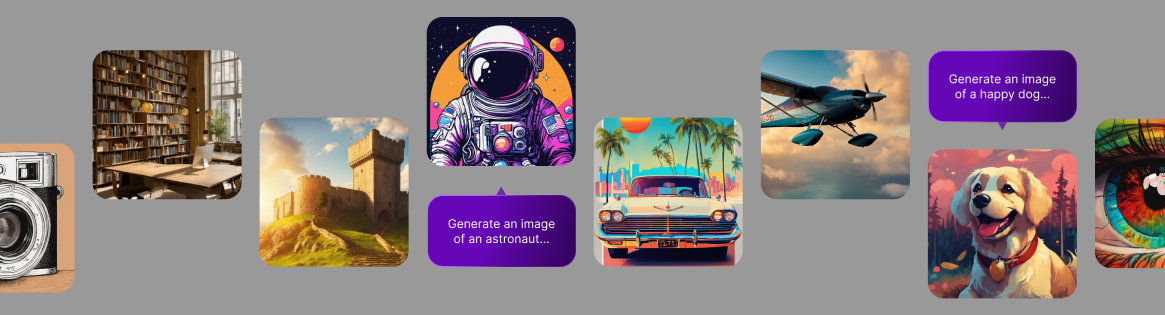
Change Faceless Image
Easily replace generated faceless images with alternative AI-generated visuals that better suit your content. Customize your video’s look by selecting from a variety of relevant, high-quality images that fit your theme and style.

Cedric

Ange
Karim
Coraline

Sacha
@infomoneypro
Nico






How does SendShort work?
SendShort works super easily. You just import a video and the AI takes acre of the rest, from generating shorts to editing them and even scheduling on social media.
1. Upload your video (it could be a file or a YouTube link)
2. AI creates shorts and edits for them you
3. Export and enjoy going viral
What is SendShort used for?
SendShort is used to create, edit, and schedule short-form content using AI. Shortly, you can:
1. Turn long videos into multiple short ones
2. Edit them by adding captions, translating them, and other various effects
3. Repurposing existing content by optimising it for other social media platforms
4. And much, much more!
What languages do you support?
We currently support 100+ languages in which you can create videos and translate their subtitles. The most widely used are:
Arabic - Bashkir - Basque - Belarusian - Bulgarian - Cantonese - Catalan - Croatian - Czech - Danish - Dutch - English - Esperanto - Estonian - Finnish - French - Galician - German - Greek - Hindi - Hungarian - Indonesian - Interlingua - Italian - Japanese - Korean - Latvian - Lithuanian - Malay - Mandarin (Traditional - & - Simplified) - Marathi - Mongolian - Norwegian - Polish - Portuguese - Romanian - Russian - Slovak - Slovenian - Spanish - Swedish - Tamil - Thai - Turkish - Ukrainian - Uyghur - Vietnamese - Welsh
What AI features does SendShort include?
SendShort is AI end to end. It watches a full recording, scores every moment for retention and cuts the clips worth posting. It writes and styles captions in 100+ languages, and places B-roll, zooms and sound effects where attention dips. AI Avatar Studio turns a script into a piece to camera, and faceless videos are generated from text alone. You can drive all of it from chat. Connect Claude, Grok Bot, Cursor, OpenClaw, Hermes or ChatGPT and describe what you want in plain language.
What makes SendShort better than other options?
SendShort is better than other competitors because it is the complete short-form content hub. What we mean is that SendShort is the only AI that creates videos and also auto-edits them, having the most complete set of features.
Can I contact someone from your team?
Yes, you can contact our team by clicking that purple bubble in the bottom-right of this page (and any other page on our website, for that matter).
Click that to start a conversation with our teammates. We're always happy to help!
What quality levels are available for export?
Every clip exports at the resolution it came in at, up to 4K, with 30 and 60fps supported. Shorts render vertically at 1080x1920 by default, and the same project can be exported to 9:16, 1:1 and 16:9 without re-editing, so one pass covers TikTok, Reels, Shorts and YouTube.
What makes editing faster than traditional timelines?
You never open a timeline. SendShort watches the full recording, scores every moment for retention, and hands you the clips worth posting, so you never scrub through hours of footage for the good bit. From there, captions, B-roll, zooms, and transitions land automatically, silent gaps get cut for you, and reframing to vertical is one click. What's left is reviewing four or five clips instead of editing an hour of footage.
Contact us! We'll be happy to help



+ others