ChatGPT Video Generator
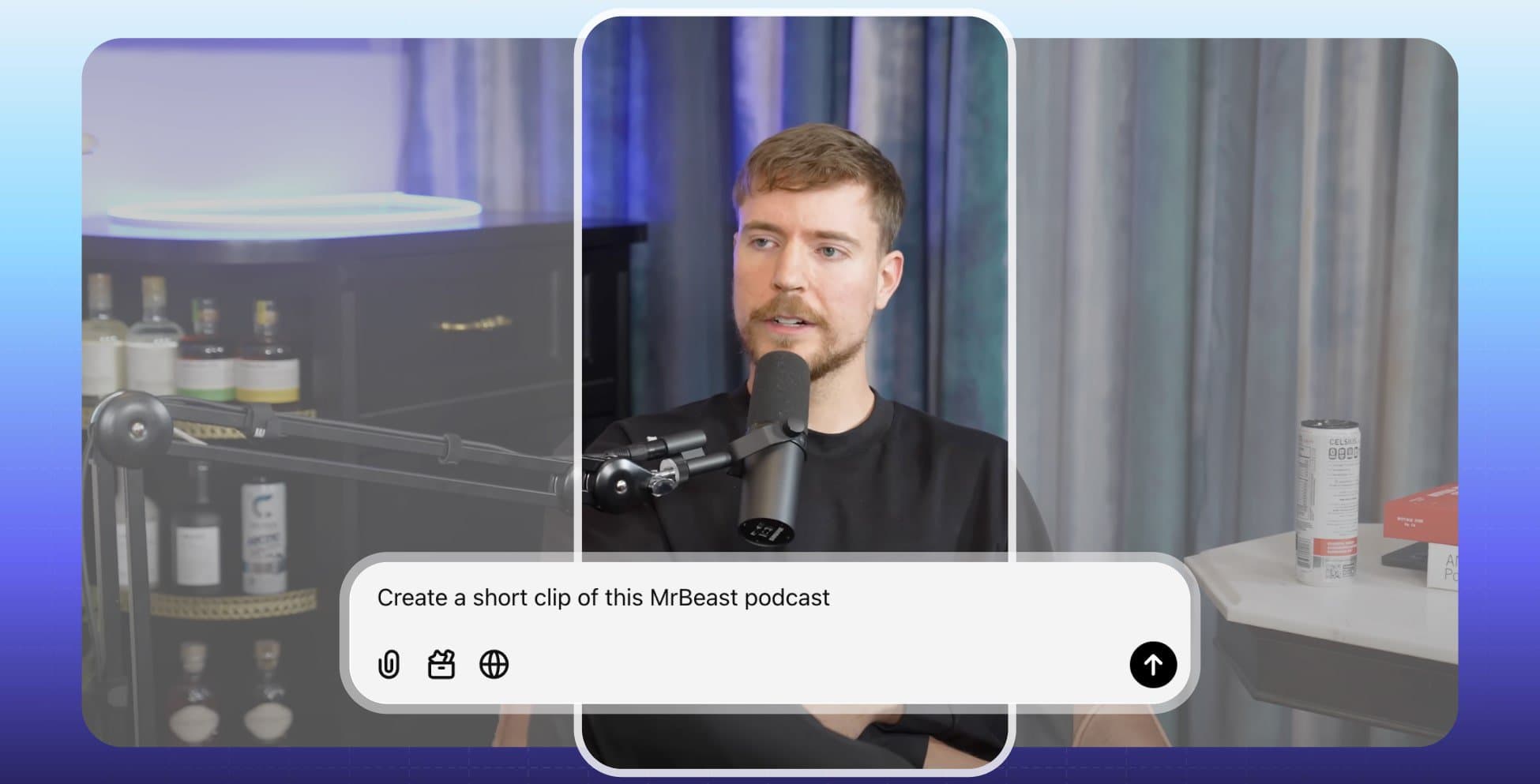
How to make videos with ChatGPT
ChatGPT can make videos through the SendShort connector. You connect SendShort once. Then you ask in the chat, and SendShort does the video work in your account.

1. Connect SendShort to ChatGPT
In ChatGPT, open Settings → Apps & Connectors and create a connector with the SendShort server URL and OAuth. Sign in to SendShort and click Allow. The ChatGPT setup page has every step.
2. Paste a video link
Paste a link to a long video that you own or have the rights to use: YouTube, Twitch, Kick or a direct video link. Say how many shorts you want.
3. Get your shorts
SendShort finds the best moments, cuts them and adds captions. ChatGPT gives you the MP4 download link of each short.
4. Schedule them
Ask ChatGPT to schedule the shorts to your connected TikTok and YouTube accounts. For other platforms, download the MP4 and post it.
What ChatGPT can do with SendShort
The connector gives ChatGPT the SendShort tools. ChatGPT picks the tool for your request, waits for the job and gives you the result.
Clip long videos into shorts
Import a long video and cut it into shorts. Choose how many shorts, or pick the AI moments. Set the caption theme, crop, B-roll, zoom, silence cut, transitions and caption translation.
Make music videos
Paste a song link and get a 9:16 music video of up to 60 seconds, with lyric captions, a sound wave and beat bars. The SendShort app has no music-video screen: you make them from an AI agent, the API or n8n. You must have the rights to the track.
Find your content
Ask for your long videos, shorts, slideshows, templates or caption themes. ChatGPT can give you the MP4 download link of any short.
Schedule to TikTok and YouTube
Schedule shorts to your connected TikTok and YouTube accounts, and slideshows to TikTok as photo posts. List or cancel scheduled posts.
Connector setup
- In ChatGPT, open Settings → Apps & Connectors.
- Create a connector. Use this URL:
https://app.sendshort.ai/api/mcp. Choose OAuth. - A SendShort page opens. Sign in, check the app name and click Allow.
Custom connectors can need developer mode in ChatGPT. To stop access later, open Settings → Preferences → Connected apps in SendShort and disconnect ChatGPT. The full guide: how to use SendShort in ChatGPT.
Prompts to try
- "Import https://youtu.be/… and make 3 shorts with captions."
- "Show me the best moments of that video, then clip the first two."
- "Make a music video from this song link with gameplay in the background."
- "Give me the download link of my latest short."
- "Schedule my newest short to TikTok and YouTube tomorrow at 6 pm."
Use videos and music that you own or have the rights to use.
Plan and limits
From Professional ($29/month). The connector is part of the AI Agent, which is on the Professional and Business plans. Starter does not include it.
Your plan quotas apply, the same as in the app. Credits pay for use past the quota: for example, 12 Credits for an imported short and 30 for a music video. The connector and the API share one limit of 120 requests a minute. See pricing.
Frequently asked questions


Can ChatGPT generate videos?
ChatGPT does not render videos itself. With the SendShort connector, ChatGPT sends your request to SendShort, and SendShort makes the video. It can clip a long video into captioned shorts and make 9:16 music videos of up to 60 seconds.
How do I add SendShort to ChatGPT?
Open Settings → Apps & Connectors in ChatGPT. Create a connector with the URL https://app.sendshort.ai/api/mcp and OAuth, then sign in to SendShort and click Allow. Custom connectors can need developer mode. See SendShort in ChatGPT.
Which SendShort plan do I need?
The connector (the AI Agent) is on the Professional plan ($29/month) and the Business plan. Starter does not include it. See pricing.
Can ChatGPT make faceless videos or slideshows with SendShort?
No. The connector has no tool for faceless videos, slideshows or AI avatars. Make those in the SendShort app with the faceless video generator. ChatGPT can list your slideshows and schedule them to TikTok.
Can ChatGPT post my videos to Instagram?
No. ChatGPT can schedule shorts to TikTok and YouTube only. For Instagram Reels and other platforms, download the MP4 and post it yourself.
Does it work in Claude and Grok Bot too?
Yes. The same SendShort server works in Claude, ChatGPT and Grok Bot, and also in Claude Code, Codex and Cursor. See the AI Agent page.