How to Use SendShort in ChatGPT
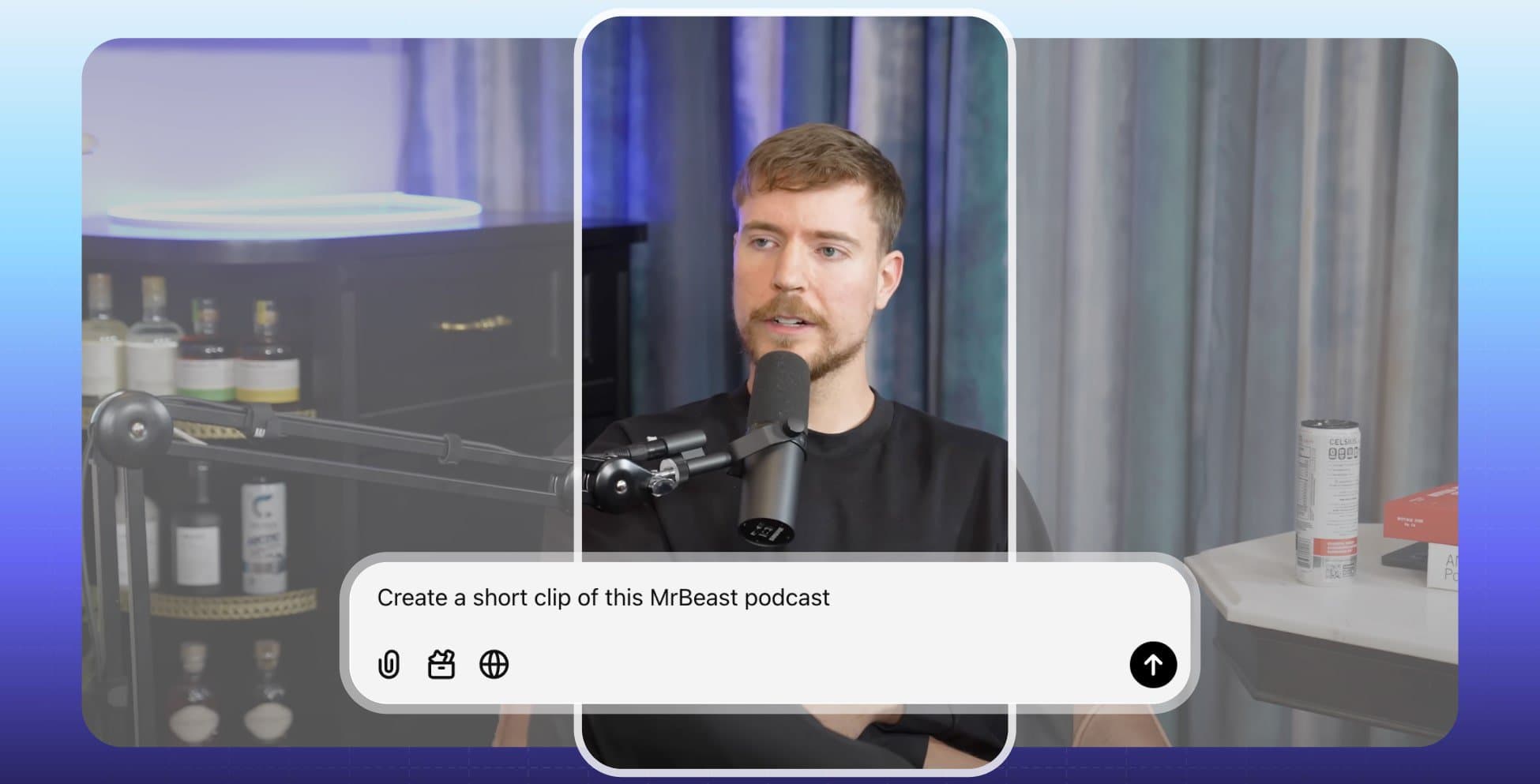
SendShort connects to ChatGPT as a connector. After you connect it, you can ask ChatGPT to import a long video, clip it into shorts with captions and schedule the shorts to TikTok and YouTube. You do all of it in the chat.
This guide shows how to add the connector, the prompts to use, and what ChatGPT can and cannot do with SendShort.
What you need
- A SendShort Professional or Business plan. The AI Agent (MCP) is included From Professional ($29/month). See pricing.
- A ChatGPT account where you can open Settings → Apps & Connectors and create a connector. ChatGPT may ask you to turn on developer mode first.
- A long video link from YouTube, Twitch, Kick or a direct video link.
- For scheduling: a TikTok or YouTube account that is connected in SendShort.
Step 1: Add the SendShort Connector to ChatGPT
- In ChatGPT, open Settings → Apps & Connectors.
- Create a new connector.
- Enter the server URL:
https://app.sendshort.ai/api/mcp - Choose OAuth as the sign-in method.
- Sign in to SendShort and click Allow.
Developer mode: if ChatGPT does not show the option to create a connector, it may need developer mode. Turn it on in ChatGPT’s settings, then try again.
The SendShort app shows the same steps in Settings → Preferences → Connect your AI agent, on the ChatGPT tab. You do not paste an API key into ChatGPT. To remove the connection, open Settings → Preferences → Connected apps in SendShort.
Step 2: Ask ChatGPT What You Can Make
Start a new chat and ask:
Use SendShort. What plan am I on, and how many shorts can I still make?ChatGPT calls the get_status tool. The answer shows your plan, your long-video slots (8 at most), your shorts quota and the rate limits.
Step 3: Import and Clip a Long Video
Give ChatGPT the link and say what you want in one message:
Import this video into SendShort: https://www.youtube.com/watch?v=VIDEO_ID
When the import is done, list the AI moments.
Then make 4 shorts from the best moments with the Keyword Pop caption theme,
remove silences and add B-roll.
ChatGPT uses these tools, in this order:
| Tool | What it does |
|---|---|
import_youtube | Imports the long video (YouTube, Twitch, Kick or a direct link) |
get_import_status | Checks the import |
list_moments | Lists the AI moments (best parts) of the video |
list_themes | Lists the caption theme presets |
clip_video | Clips the video into shorts with your options |
get_clip_status | Checks the clip job and returns the MP4 download links |
You can ask for these options in clip_video: the number of shorts or the moments to use, the caption theme, crop, format, B-roll, zoom, silence cut, transitions, audio effects and caption translation.
If your library is full (8 long videos), ask: “Delete my oldest long video in SendShort.” ChatGPT uses list_videos and delete_video. The shorts of that video stay.
Step 4: Schedule the Shorts
List my connected social accounts in SendShort.
Then schedule the 4 new shorts to my TikTok account, one a day at 7 pm, starting tomorrow.
ChatGPT uses list_social_accounts, then schedule_short for each short. Ask “Show my scheduled posts” to check them (list_scheduled_posts). Ask “Cancel the post for Thursday” to remove one (cancel_scheduled_post).
SendShort schedules to TikTok and YouTube only. For Instagram Reels, Facebook and other apps, download the MP4 and post it yourself.
More Prompts to Try in ChatGPT
- “Translate the captions of the next shorts to German, and clip 3 shorts from this Twitch VOD.” (
import_youtube,clip_video) - “Which of my scheduled posts failed? Give me the download link of each one.” (
list_scheduled_posts,get_short) - “Show my slideshows and post the newest one to TikTok on Sunday at noon.” (
list_slideshows,schedule_slideshow) - “Make a 60-second music video from this song link with a gameplay background.” (
create_music_video,get_music_video_status). Read the music video guide first.
What ChatGPT Cannot Do with SendShort
- It cannot make slideshows, faceless videos or AI avatars. No MCP tool makes them. Use the SendShort app for these, for example the AI slideshow maker. ChatGPT can list and schedule slideshows that you already made.
- It cannot post to Instagram or Facebook.
- It shares a limit of 120 requests a minute with the SendShort API.
SendShort in Other AI Agents
The same server works with Claude, ChatGPT and Grok Bot. For the other apps, read:
- How to make shorts with Claude
- How to clip YouTube videos with Claude Code (also Codex and Cursor)
- SendShort for ChatGPT and the ChatGPT video generator page
- The MCP page with all 20 tools
FAQ: SendShort in ChatGPT
Do I need developer mode to add SendShort to ChatGPT?
You may need it. If ChatGPT does not let you create a connector, turn on developer mode in ChatGPT’s settings. Then create the connector with the SendShort server URL and OAuth.
Which plan do I need?
You need a SendShort Professional or Business plan. The AI Agent (MCP) is included from Professional ($29/month).
Can ChatGPT make a faceless video with SendShort?
No. No SendShort MCP tool makes faceless videos, slideshows or AI avatars. ChatGPT can import and clip long videos, make music videos and schedule posts. Make faceless videos in the SendShort app.
Does ChatGPT see my SendShort password?
No. ChatGPT signs in with OAuth. You sign in on the SendShort page and click Allow. You can disconnect ChatGPT at any time in Settings, then Preferences, then Connected apps.
Can ChatGPT schedule to Instagram?
No. SendShort schedules to TikTok and YouTube only. Download the MP4 files for other apps.
Thanks a lot for reading this,
David Ch
Head of the Editing Team at SendShort
About the author
David leads the editing team at SendShort. With this help, the team delivers the latest guides on using your favorite social media apps and creating short-form content.