How to Clip YouTube Videos into Shorts with Claude Code

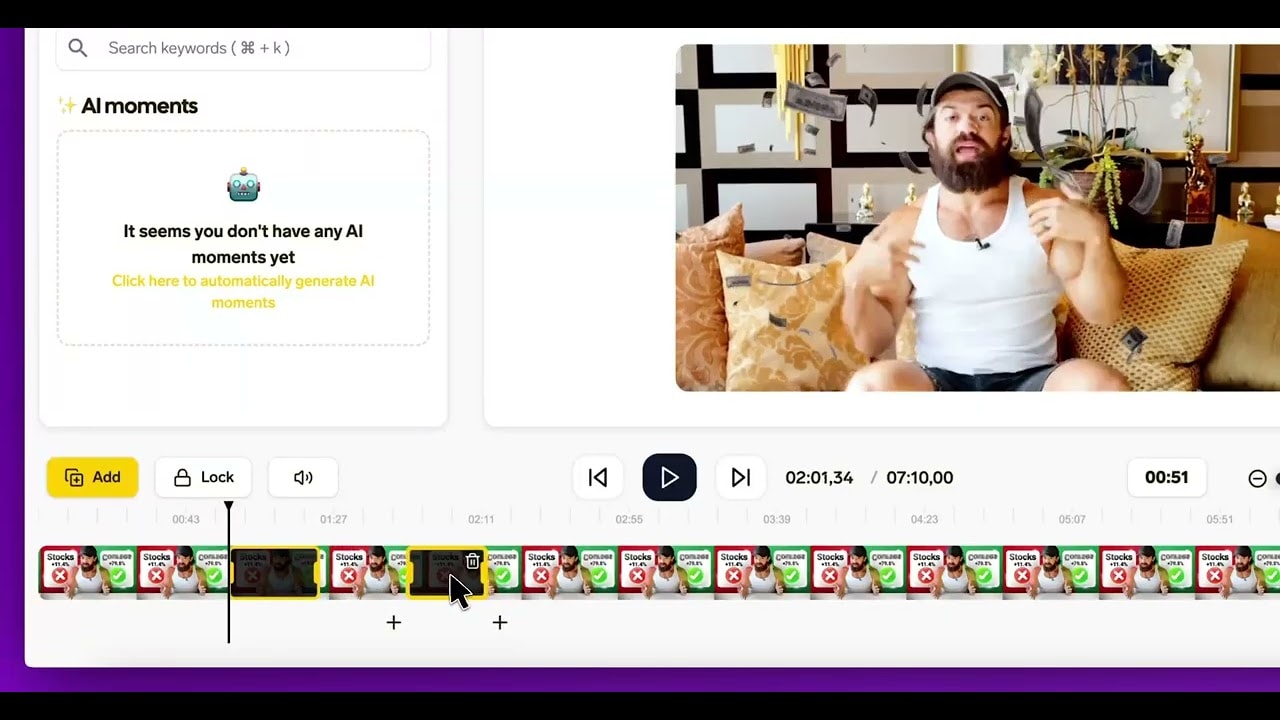
Claude Code can clip YouTube videos into shorts for you from the terminal. Add the SendShort MCP server once. Then one prompt can import several videos, clip each into shorts with captions and save the MP4 files in a folder on your computer.
This guide shows the setup, a batch prompt, and the setup for Codex and Cursor.
What you need
- A SendShort Professional or Business plan. The AI Agent (MCP) and the API are included From Professional ($29/month). See pricing.
- Claude Code installed in your terminal.
- One or more long video links: YouTube, Twitch, Kick or direct video links.
Step 1: Add the SendShort MCP Server to Claude Code
Run this command in your terminal:
claude mcp add --transport http --scope user sendshort https://app.sendshort.ai/api/mcp--scope user makes SendShort available in all your projects. The server uses Streamable HTTP.
Step 2: Authenticate
- Start Claude Code.
- Type
/mcp. - Select sendshort and choose Authenticate.
- Sign in to SendShort in the browser and click Allow.
Claude Code signs in with OAuth, so you do not need an API key. To check the connection, ask Claude Code: “What is my SendShort plan?” It calls get_status.
The SendShort app shows the same command in Settings → Preferences → Connect your AI agent, on the Claude Code tab.
Step 3: Batch-Clip a YouTube Video
Write the whole job in one prompt. Claude Code runs the SendShort tools in order and waits for each job.
Use SendShort to do this:
1. Import these videos:
   https://www.youtube.com/watch?v=VIDEO_ID_1
   https://www.youtube.com/watch?v=VIDEO_ID_2
2. When each import is done, clip it into 5 shorts with the Karaoke caption theme.
   Remove silences and add transitions.
3. When each clip job is done, download every MP4 into ./shorts/<video title>/.
Claude Code uses these tools:
| Step | SendShort tool |
|---|---|
| Import each video | import_youtube |
| Wait for the import | get_import_status |
| Get the caption themes | list_themes |
| Clip into shorts | clip_video |
| Wait for the clip job and get the MP4 links | get_clip_status |
Claude Code then downloads the files from the links with a shell command in your project folder.
To pick the parts yourself, ask for the AI moments first: “List the AI moments of the first video” (list_moments). Then: “Clip moments 1, 4 and 6 only.”
Video slots: your library holds up to 8 long videos at a time. For a larger batch, ask Claude Code to delete each long video after its shorts are done (delete_video). The shorts stay in your account.
Step 4: Schedule the Shorts (Optional)
Claude Code can also schedule the shorts to TikTok and YouTube:
List my connected social accounts.
Schedule the new shorts to YouTube, one every day at 5 pm, starting tomorrow.
It uses list_social_accounts, schedule_short and list_scheduled_posts. SendShort schedules to TikTok and YouTube only. For other apps, use the MP4 files that you downloaded.
Use an API Key Instead of OAuth
Some tools cannot sign in with OAuth. For those, create an API key in SendShort: Settings → Preferences → API keys. A key starts with ss_sk_.
- Send the key in the
Authorization: Bearer ss_sk_…header. Never put the key in the URL. - The npm package sendshort-mcp runs the server over stdio. It reads the key from the
SENDSHORT_API_KEYenvironment variable. - For scripts without an AI agent, use the REST API. This call returns your plan and quotas:
curl https://app.sendshort.ai/api/v1/status \
  -H "Authorization: Bearer ss_sk_…"
The MCP server and the API share a limit of 120 requests a minute. See the SendShort API page for all endpoints.
Set Up Codex and Cursor
The same server works in other coding agents.
Codex: run these two commands. The second one opens the sign-in.
codex mcp add sendshort --url https://app.sendshort.ai/api/mcp
codex mcp login sendshort
More on the SendShort for Codex page.
Cursor: add this to ~/.cursor/mcp.json. Cursor asks you to sign in with OAuth the first time that it uses the server. There is no one-click install.
{
  "mcpServers": {
    "sendshort": { "url": "https://app.sendshort.ai/api/mcp" }
  }
}
More on the SendShort for Cursor page.
VS Code: add this to .vscode/mcp.json:
{
  "servers": {
    "sendshort": { "type": "http", "url": "https://app.sendshort.ai/api/mcp" }
  }
}
SendShort also works with Claude, ChatGPT and Grok Bot in the chat apps. See how to make shorts with Claude, SendShort in ChatGPT, SendShort for Claude Code and the MCP page.
FAQ: Clip YouTube with Claude Code
Does Claude Code need a SendShort API key?
No. After you add the server, type /mcp in Claude Code and choose Authenticate. You sign in with OAuth. Use an ss_sk_ API key only for tools that cannot use OAuth.
How many videos can I clip in one batch?
Your library holds up to 8 long videos at a time. For more, ask Claude Code to delete each long video after its shorts are done. The shorts stay. Your plan’s monthly shorts quota also applies.
Where does Claude Code save the shorts?
Claude Code gets an MP4 download link for each short from SendShort. It saves the files where you tell it, for example a shorts folder in your project.
Can I clip Twitch or Kick videos too?
Yes. The import tool takes YouTube, Twitch, Kick and direct video links.
Does this work in Codex and Cursor?
Yes. In Codex, run codex mcp add with the SendShort URL, then codex mcp login sendshort. In Cursor, add the SendShort URL to ~/.cursor/mcp.json and sign in on first use.
Thanks a lot for reading this,
David Ch
Head of the Editing Team at SendShort
About the author
David leads the editing team at SendShort. With this help, the team delivers the latest guides on using your favorite social media apps and creating short-form content.